A shared
disposable camera
for your event
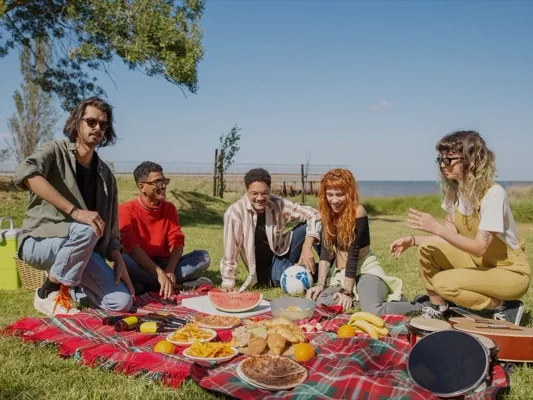
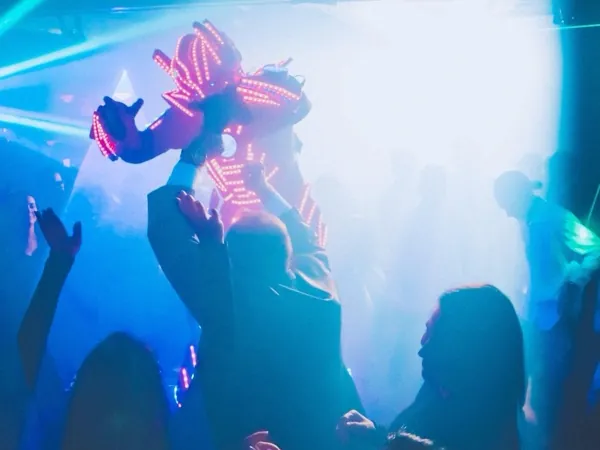
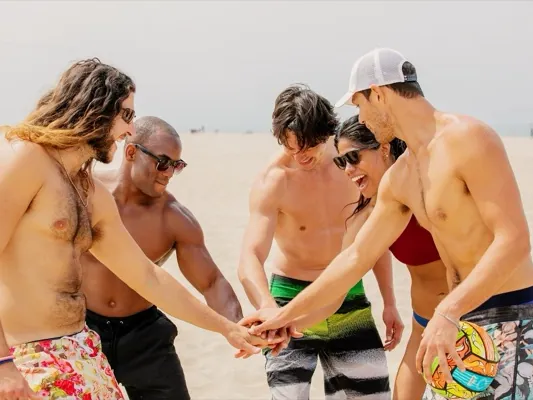
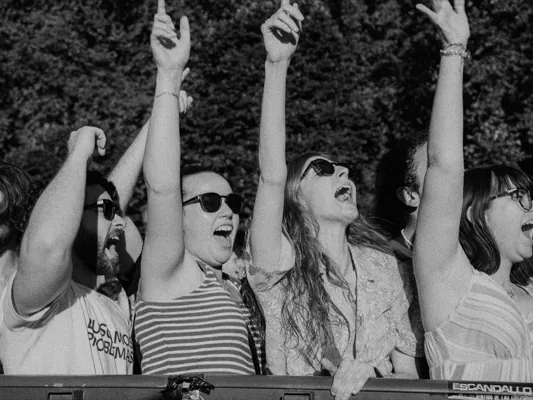
Every guest gets a limited roll. Nobody sees a shot until the reveal. Then everyone gets the same gallery, developed like film.
✓ Free for small events ✓ No guest accounts ✓ 12 film looks
 01
01
 02
02
 03
03
 05
05
 06
06
 07
07
 08
08
 09
09
The oohroll iOS app's camera screen: a guest shooting for an event, 17 of 24 shots left.
Everyone shoots. Nobody peeks.
oohroll turns your event into a disposable camera that everyone shares. You set how many shots each guest gets. No one can preview or retake — and no photos appear until the reveal.
- A limited roll for each guest
- Photos hidden until the reveal
- One shared gallery for everyone
Pick the stock your event shoots on
Twelve looks modeled on real film: grain, glowing highlights, light leaks. Lock the event to one stock, offer a shortlist, or let guests pick.
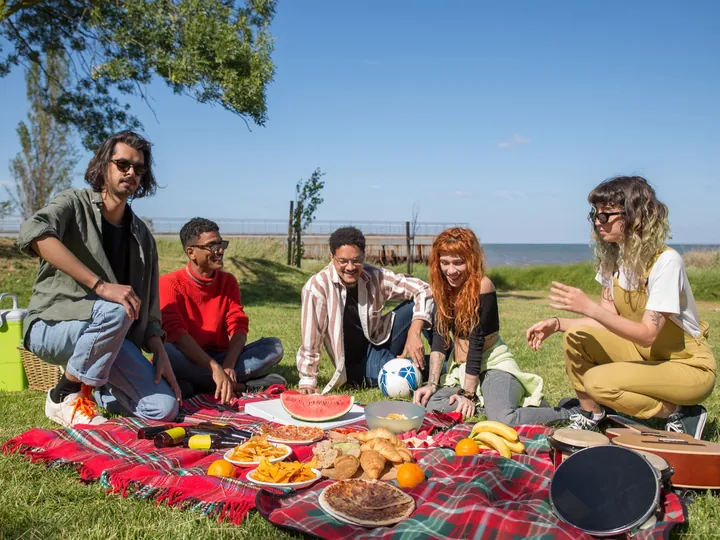
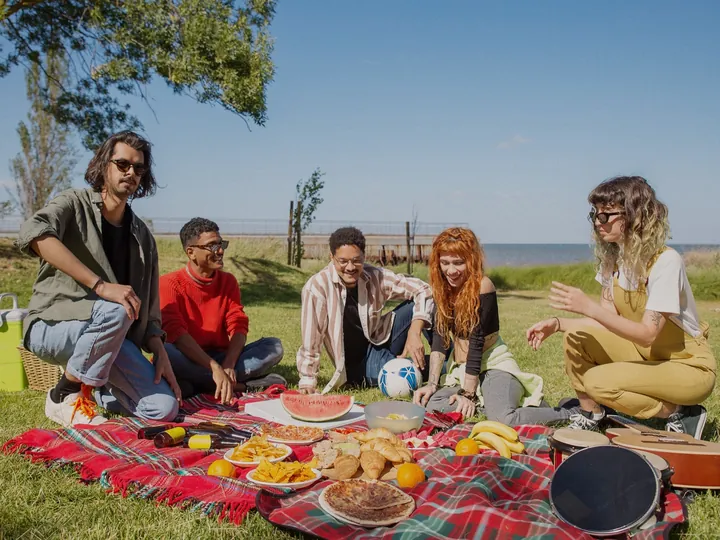 Before
Sunlit 200
ColorWarm and golden — the film your memories already look like
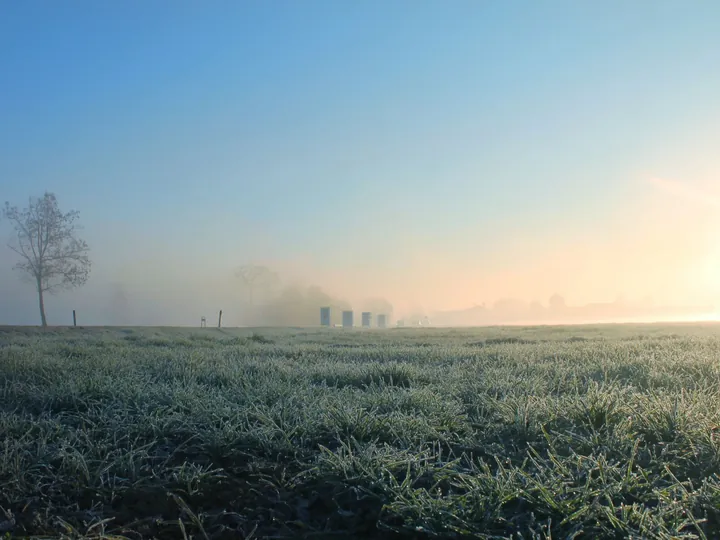
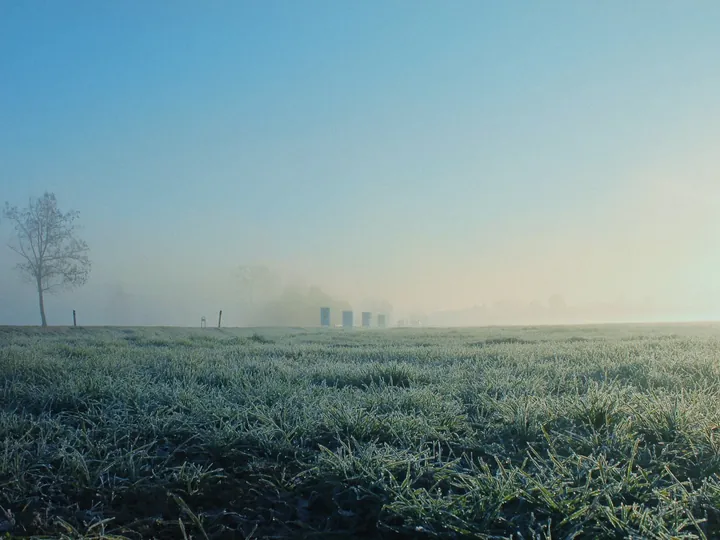 Before
Meadow 400
ColorCool greens, cyan skies — the other classic everyday look
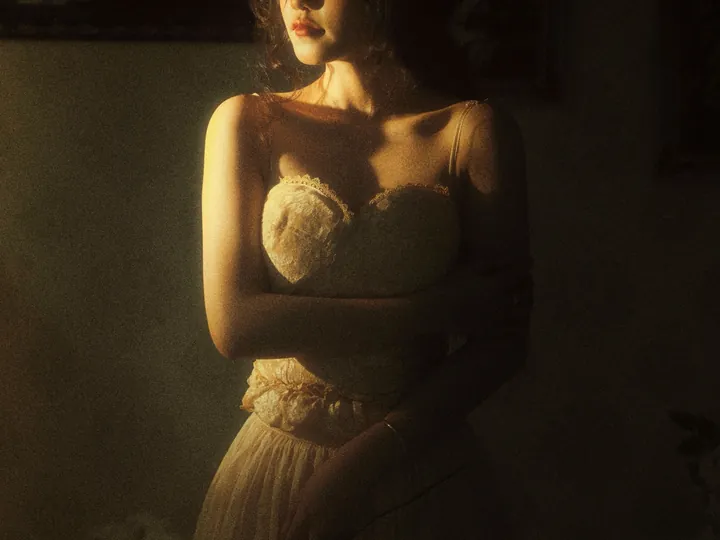
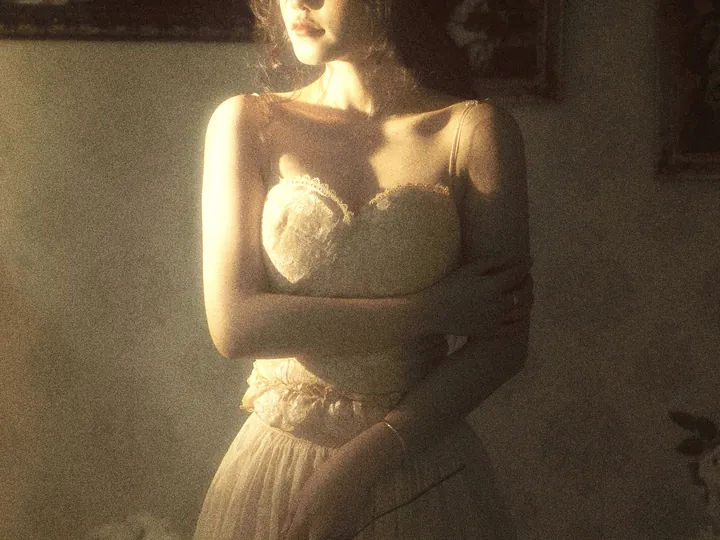 Before
Softlight 400
ColorSoft, muted, kind to skin — made for portraits and weddings
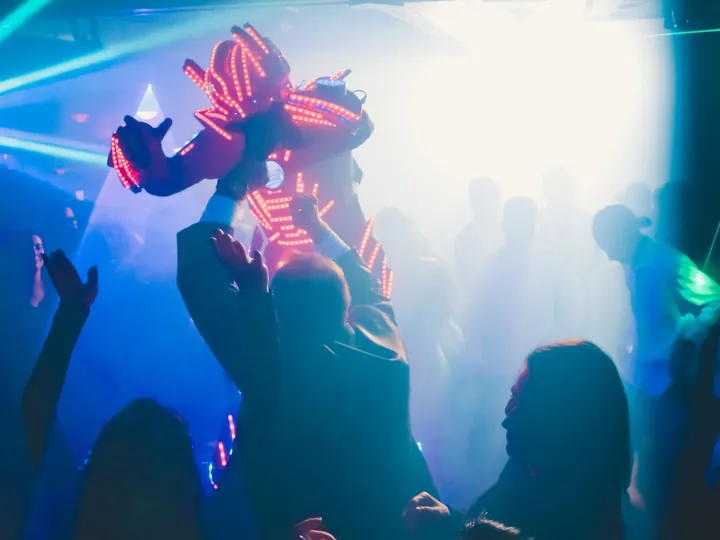
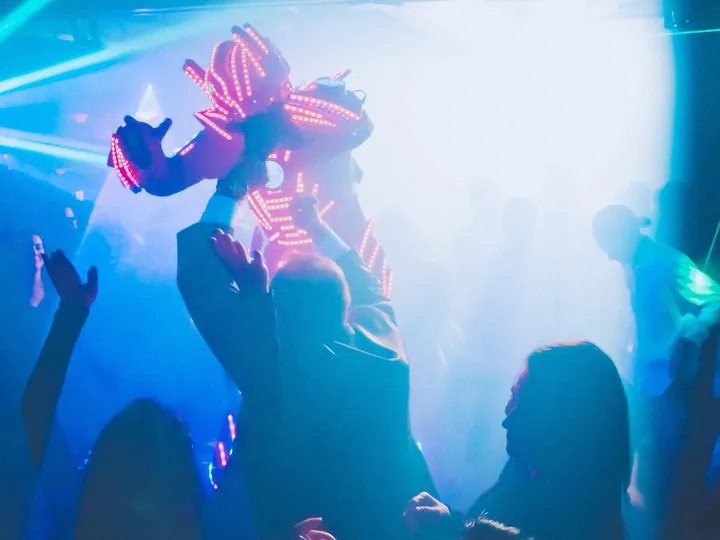 Before
Midnight 800
ColorTungsten nights, red halos — made for low light and neon

 Before
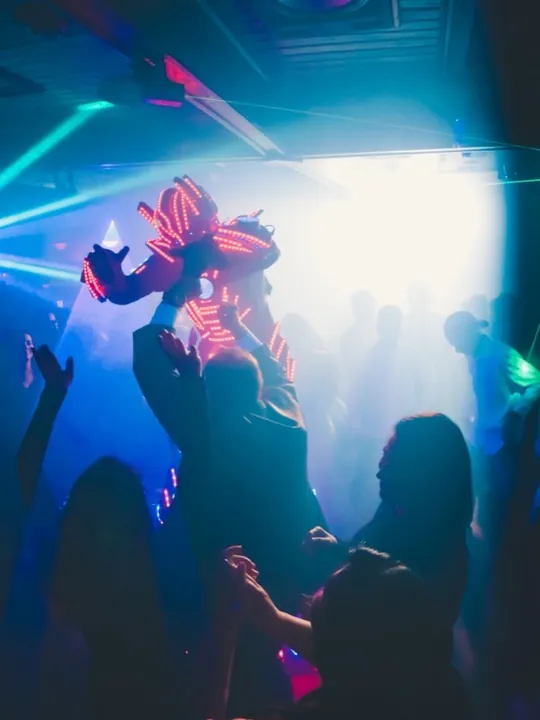
Disco 800
ColorFlash-friendly party film — loves a crowd, loves a strobe
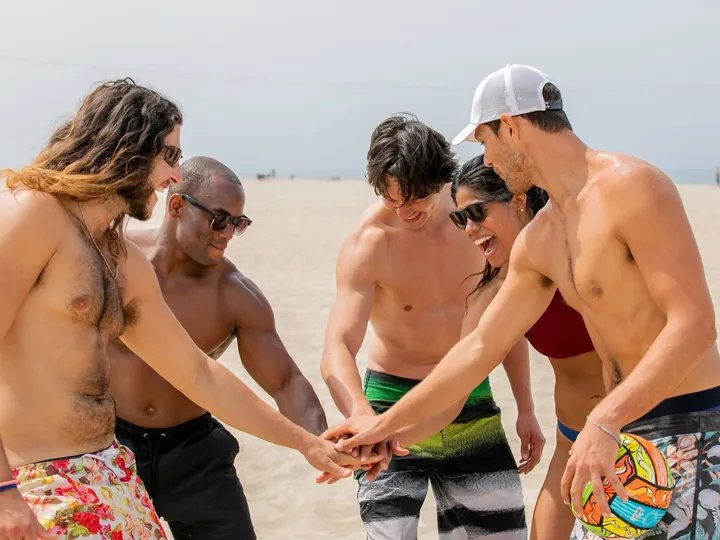
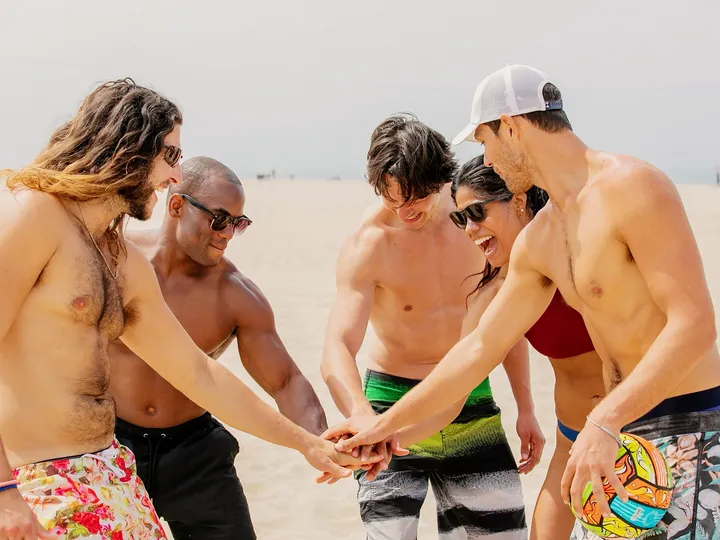 Before
Chroma 50
SlideSlide-film punch — landscapes in full color, no compromise
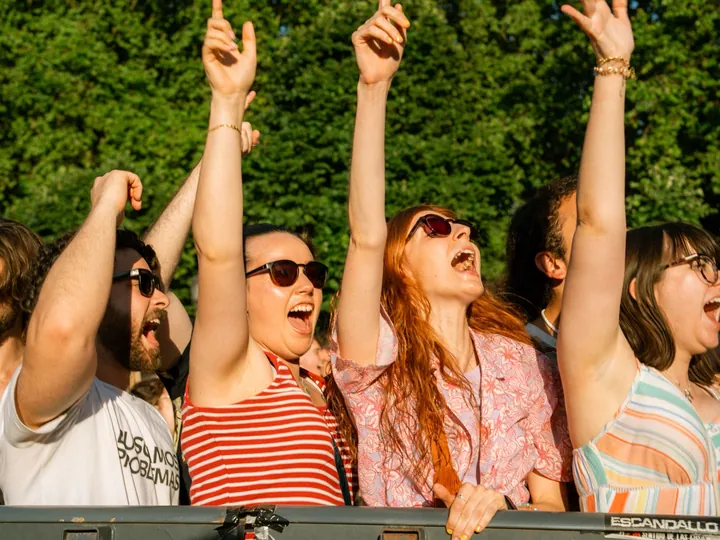
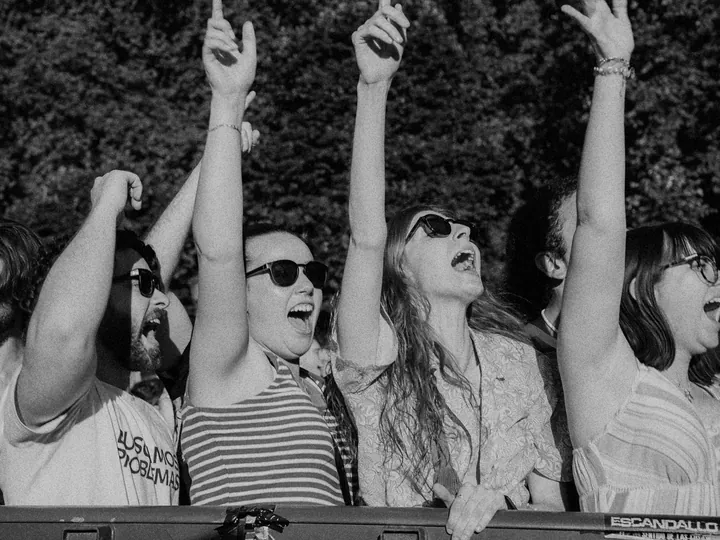 Before
Press 400
B&WClassic high-contrast black & white — gritty grain and drama
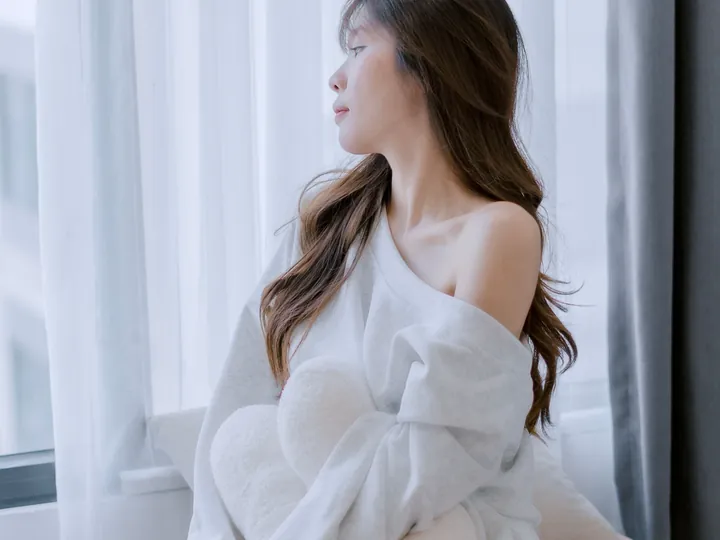
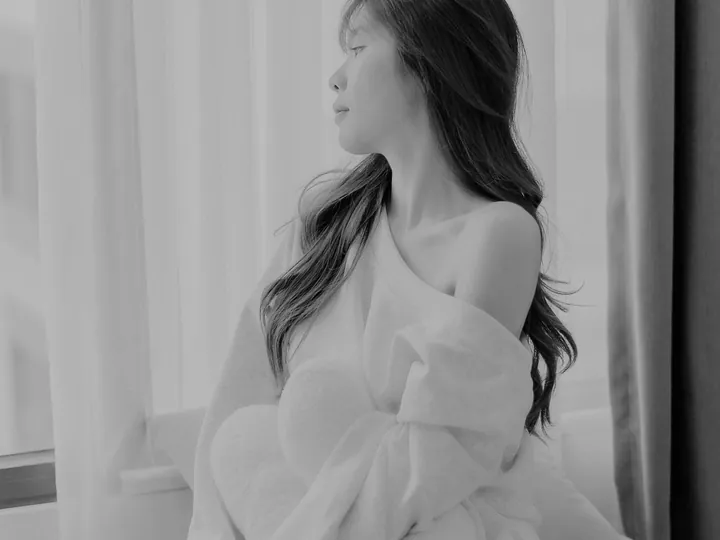 Before
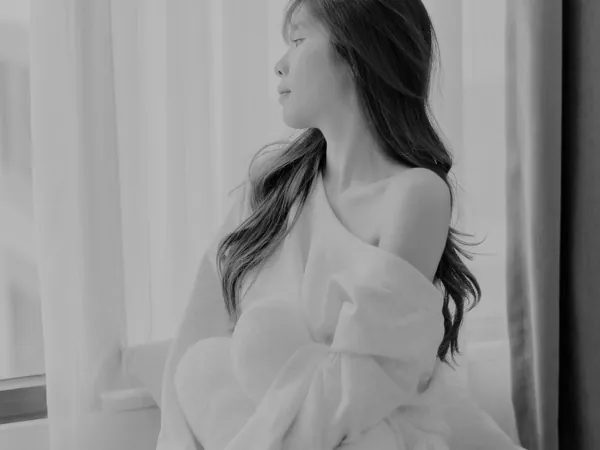
Satin 100
B&WGentle black & white — fine grain, bright skin, soft contrast
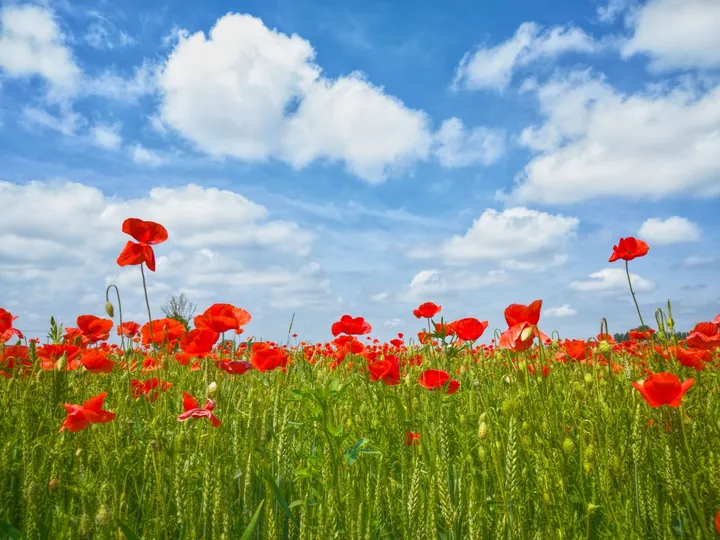
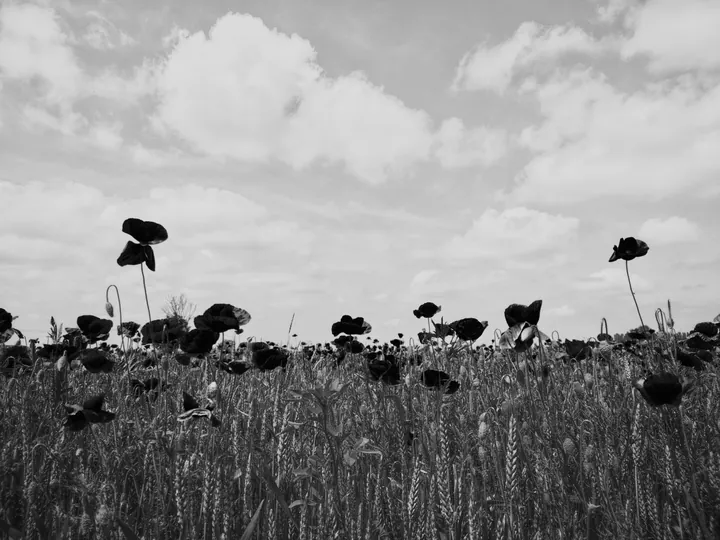 Before
Ortho 50
B&WRed-blind, like the 1900s — dark lips, pale skies, antique look
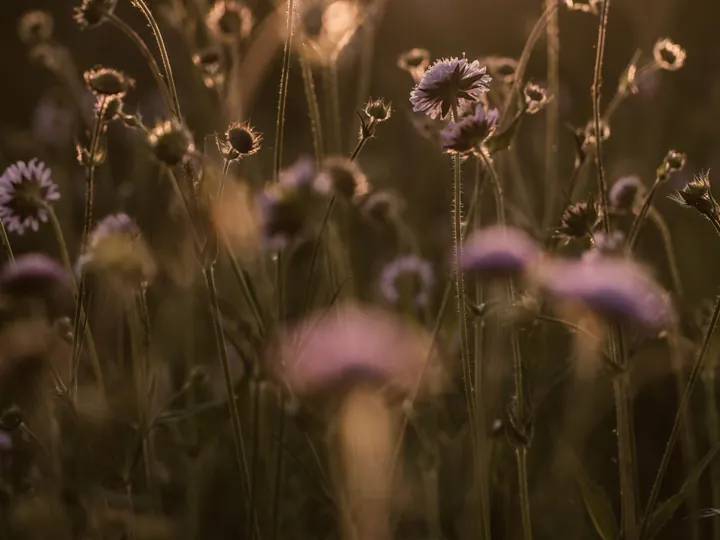
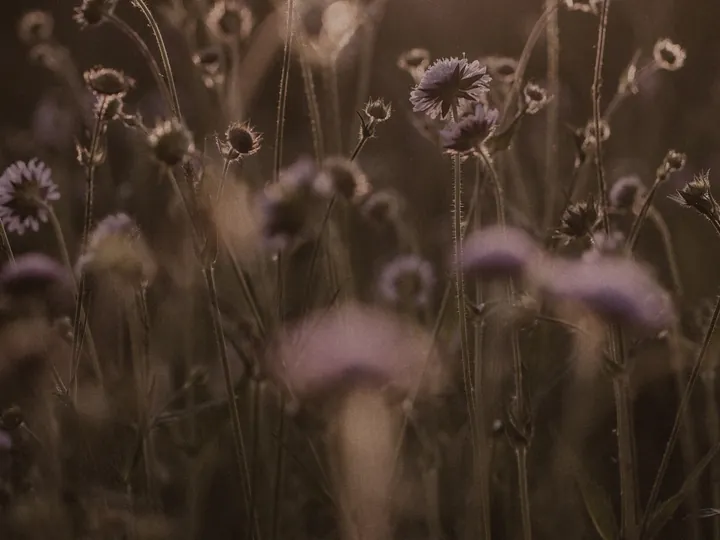 Before
Attic 200
ColorExpired for twenty years — faded, fogged, beautifully wrong
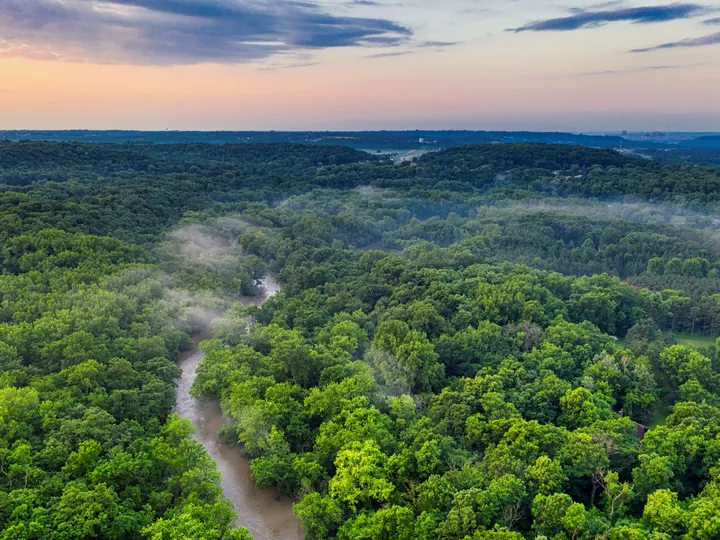
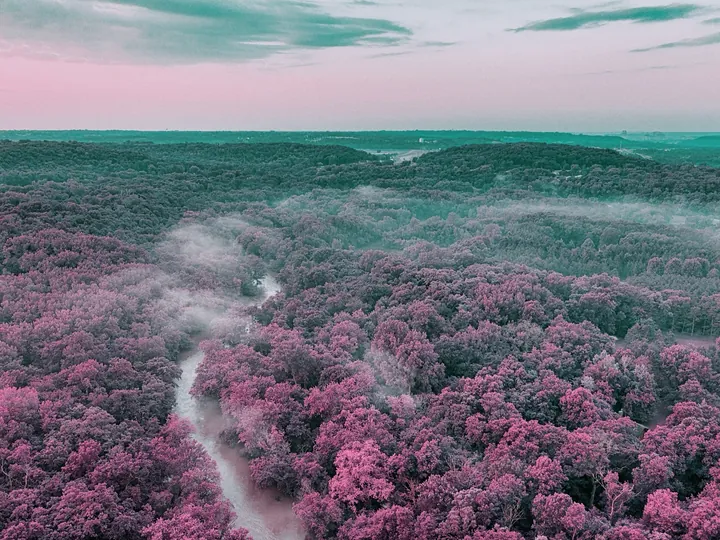 Before
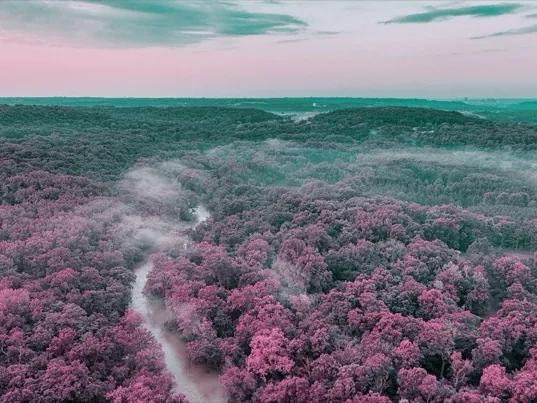
Violet 400
ColorGreens turn purple, skies go teal — the fake-infrared look
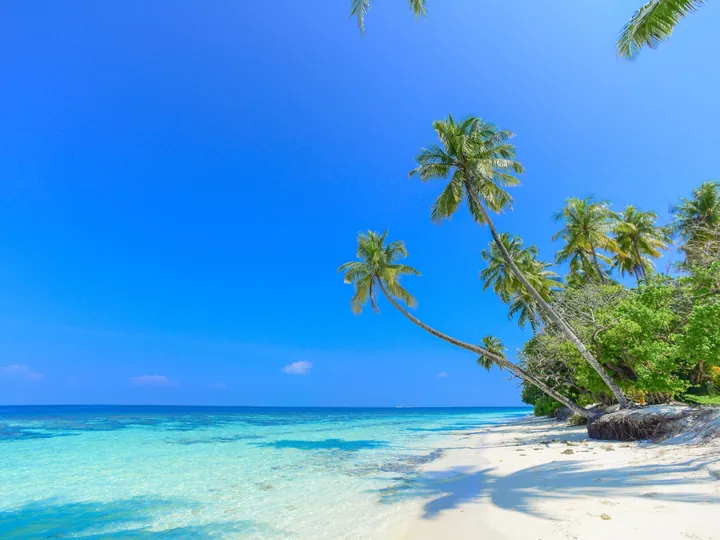
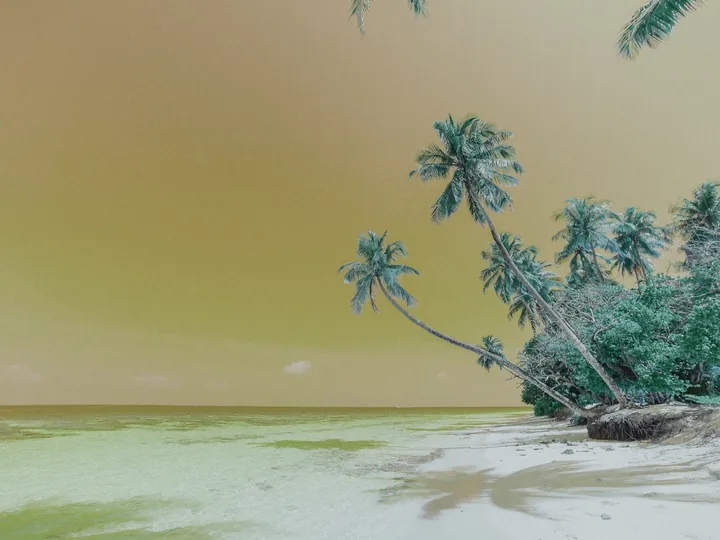 Before
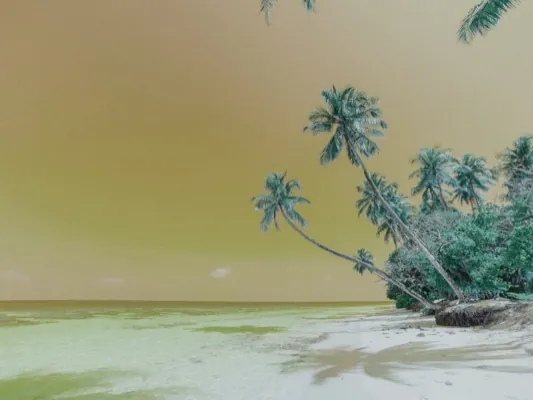
Lagoon 400
ColorBlue skies turn gold, reds go turquoise — the color-swap ocean
Four steps, start to finish
Create an event
Set how many shots each guest gets, then share a link or QR code.
Guests shoot
They join with a name and shoot their roll.
Photos develop
Every shot stays hidden until the reveal.
Share the gallery
The gallery opens for everyone, on the web or as one ZIP.
If you're hosting
- Create an event and set the shot limit.
- Share one link or QR code.
- Watch a live count as guests join.
- Reveal by hand, or set it to open on its own.
- Everyone gets a gallery they can download.
If you're a guest
- Join with just a name.
- Shoot your limited roll.
- No previews, no retakes — every shot counts.
- Get notified when the photos are ready.
- View and download from the gallery.
Then, all at once
During the event nobody sees a thing — just a wall of undeveloped frames. At the reveal, every photo develops at once, for everyone. That's the moment oohroll is built for.

What's in the camera
Developed like film
Grain, glow and color shifts are built into every shot.
Hidden until the reveal
Nothing is shown until the reveal you choose — guests get only a blurred glimpse of their own frames.
Join with a name
Guests scan your QR code, pick a name in the oohroll app, and start shooting.
Set the roll size
12, 24 or 36 shots per guest. Fewer shots, more thought in each.
Shareable gallery
The published gallery is a web link anyone can open and download from.
Ready alerts
Guests can opt in to a notification the moment their photos are ready.
Long and multi-exposure
Hold the shutter for a long exposure, or stack two shots into one frame like a real double exposure.
Watch the roll fill up
A live count of guests and shots while the event runs — without peeking at the photos.
How it's different
A shared album shows every photo the second it's taken. oohroll keeps them on the roll until the reveal.
Any event worth remembering
07
Weddings
The night through every guest's eyes — not just the photographer's.
12
Birthdays
One roll per friend, one gallery the morning after.
19
Trips
Shoot all week, relive it together on the way home.
23
Offsites
A team camera that beats the shared-album graveyard.
Common questions
Something else? Email [email protected].
Do my guests need an account?
No. They scan your QR code, open the event in the oohroll app, and pick a name. No password, no email.
When do the photos show up?
At the reveal you choose: when shooting ends, at a set time, or when you publish. Until then nobody sees them, and guests get only a blurred preview of their own shots. If you'd rather, you can share them live as guests shoot.
Can everyone download the photos?
Yes. Once you publish, the gallery is a web link anyone can open. People can download single shots or the whole event as a ZIP.
What makes the photos look like film?
Each photo runs through a film-emulation step that adds grain, highlight glow, and film-style color — instead of a flat filter on top.
Can I remove a photo before it's shared?
Yes. You can hide any photo from the gallery, before or after it opens, and guests can remove their own shots before the reveal. Publish by hand if you want to review everything first.
Is it private?
Guests see a consent note when they join, you own the published gallery, and oohroll doesn't ask for anyone's contacts.
How much does it cost?
Free for small gatherings, and bigger events pay once per event. On every plan, the reveal and the downloads are never behind a paywall.
Start your first event
Create an event, share the link, and let everyone shoot. Setup takes about a minute.
Host an event